
Welcome to the new Corporate Online Payment Allocation experience
Thank you for visiting the Corporate Online Payment Allocation tutorial. As part of our journey to improve your online experience we are excited to bring you the best-in-class digital solutions to manage your Corporate Card program.
Click “Take the Tour” to launch a guided walk-through of the new allocation experience.

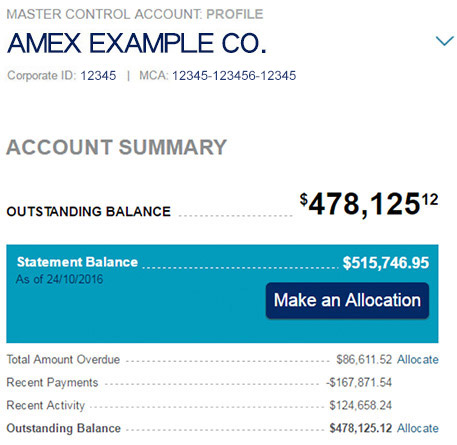
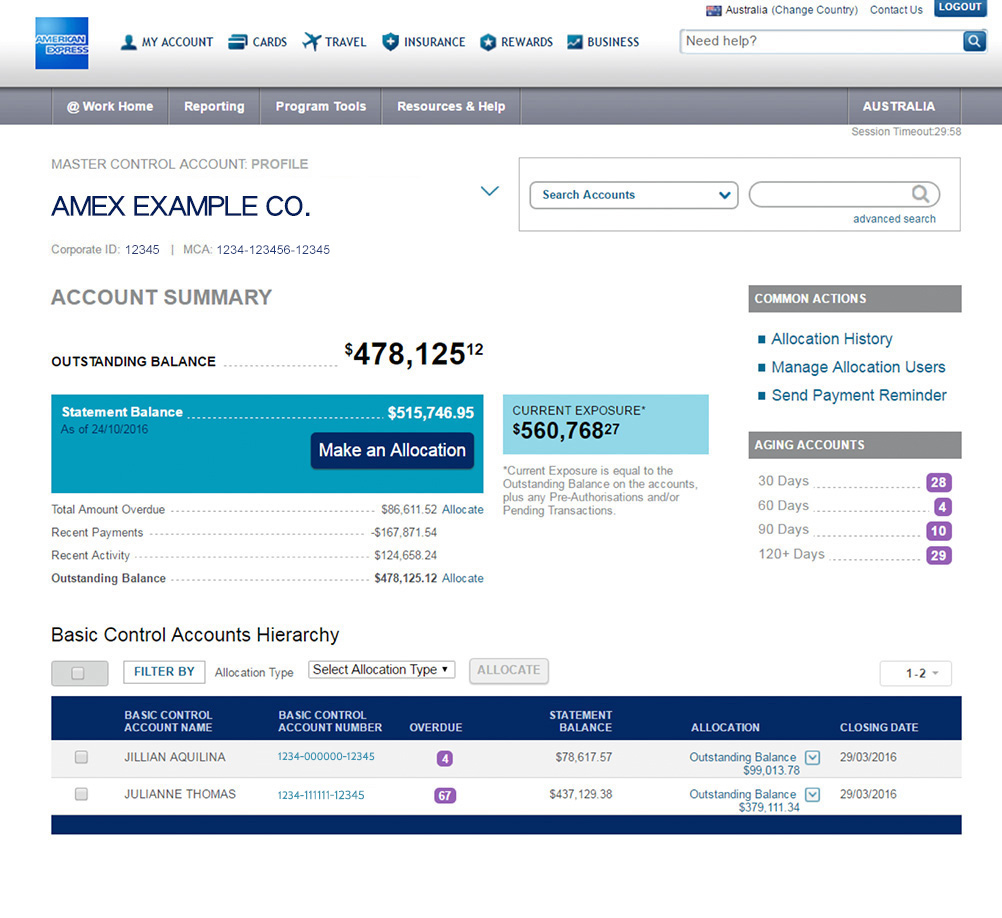
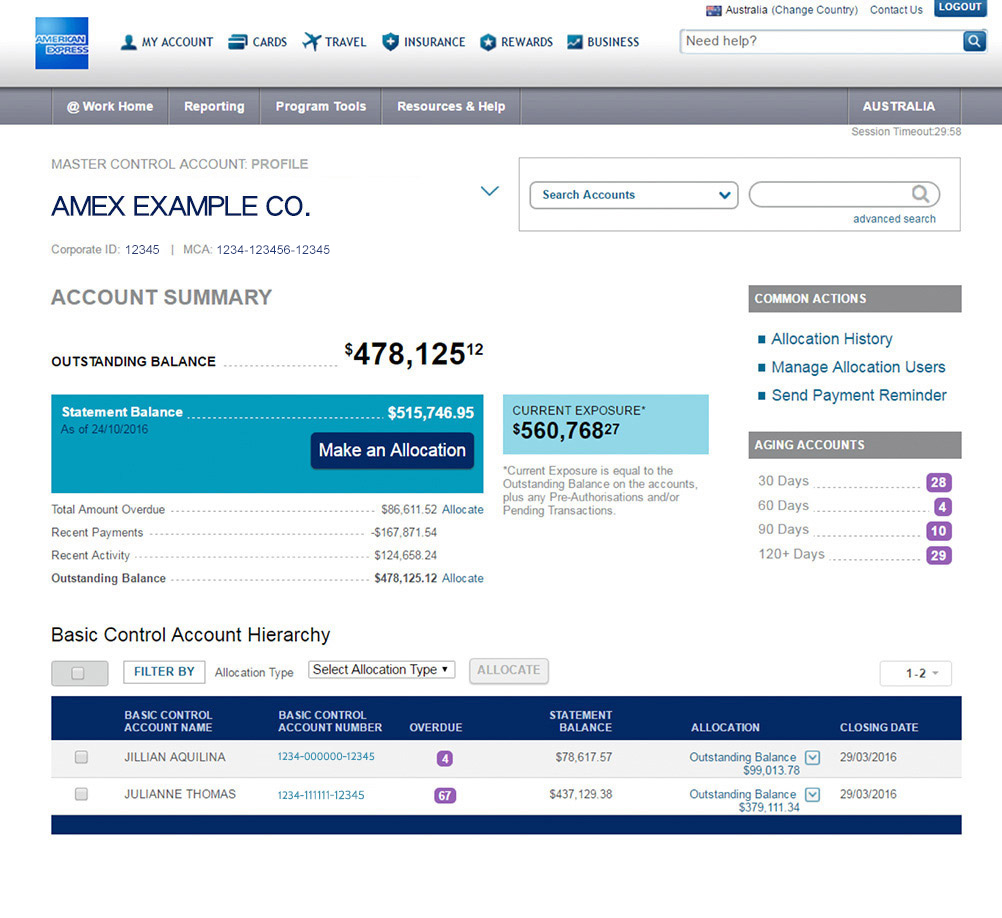
 Account Summary: Snapshot of your control account details and balance. Make an allocation for all the accounts under the control account hierarchy.
 Aging Accounts: Easily find your delinquent Card Members.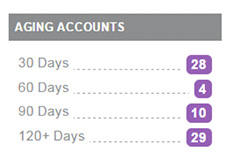
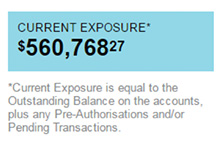 Account Hierarchy: One-stop access to control accounts that you manage. Select an account to access online statements where available.
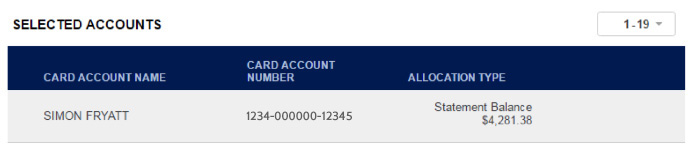
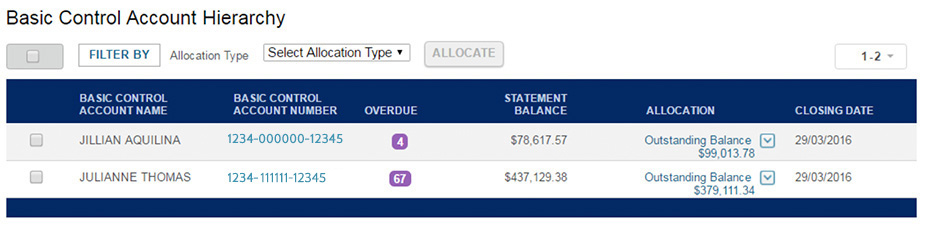 Select Allocation Type: Allocate statement balance, outstanding balance or amount overdue for all or some of the accounts in your hierarchy.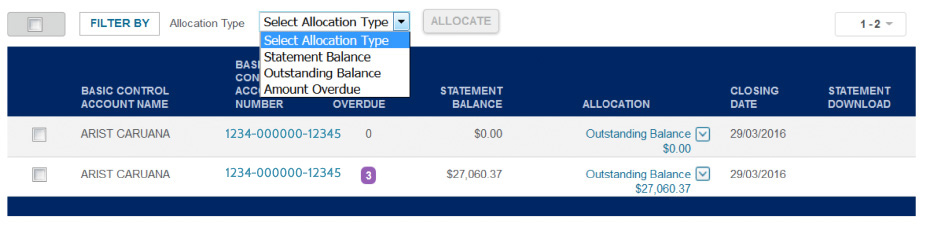
 Allocation Details: Review the transaction, amount and date before submitting your allocation.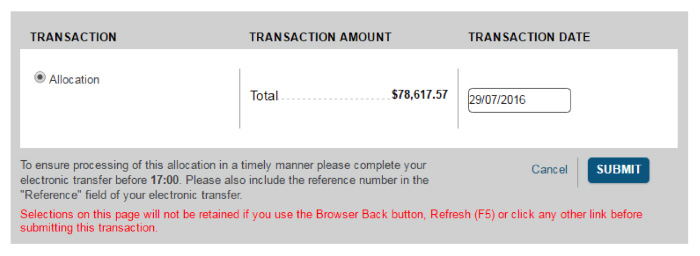
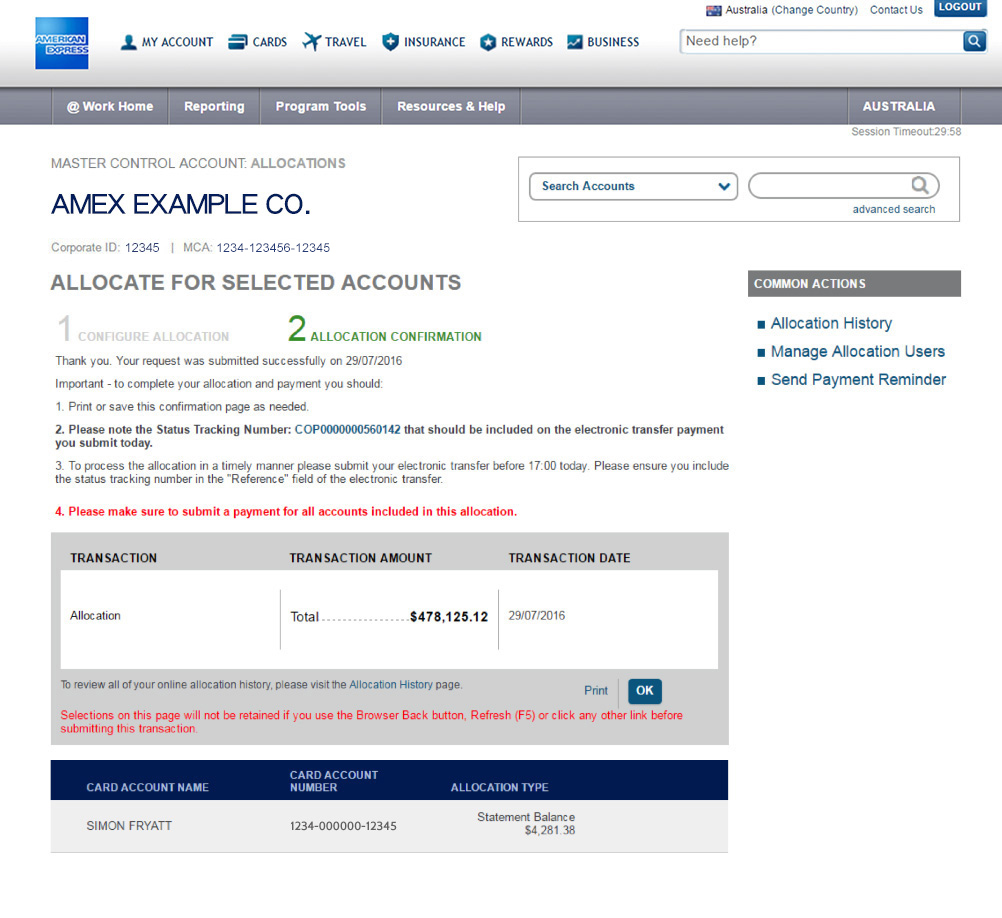
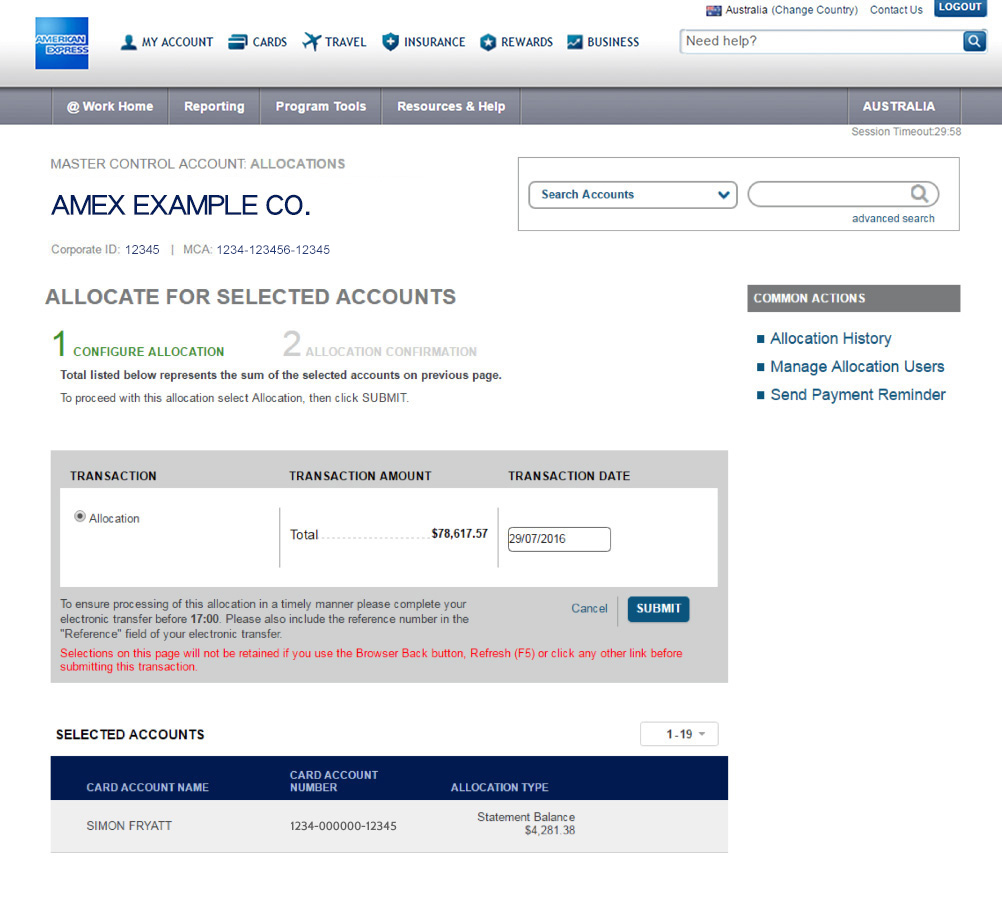 Tracking Number: A tracking number must be included with the corresponding payment. It will also allow you to track your allocation, if required.

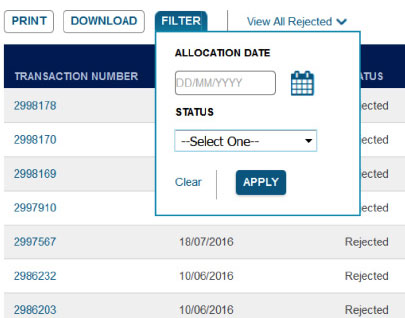

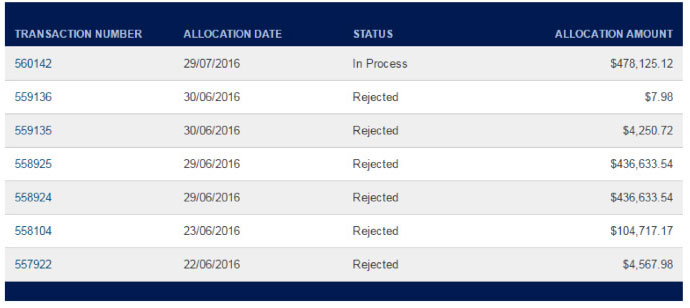
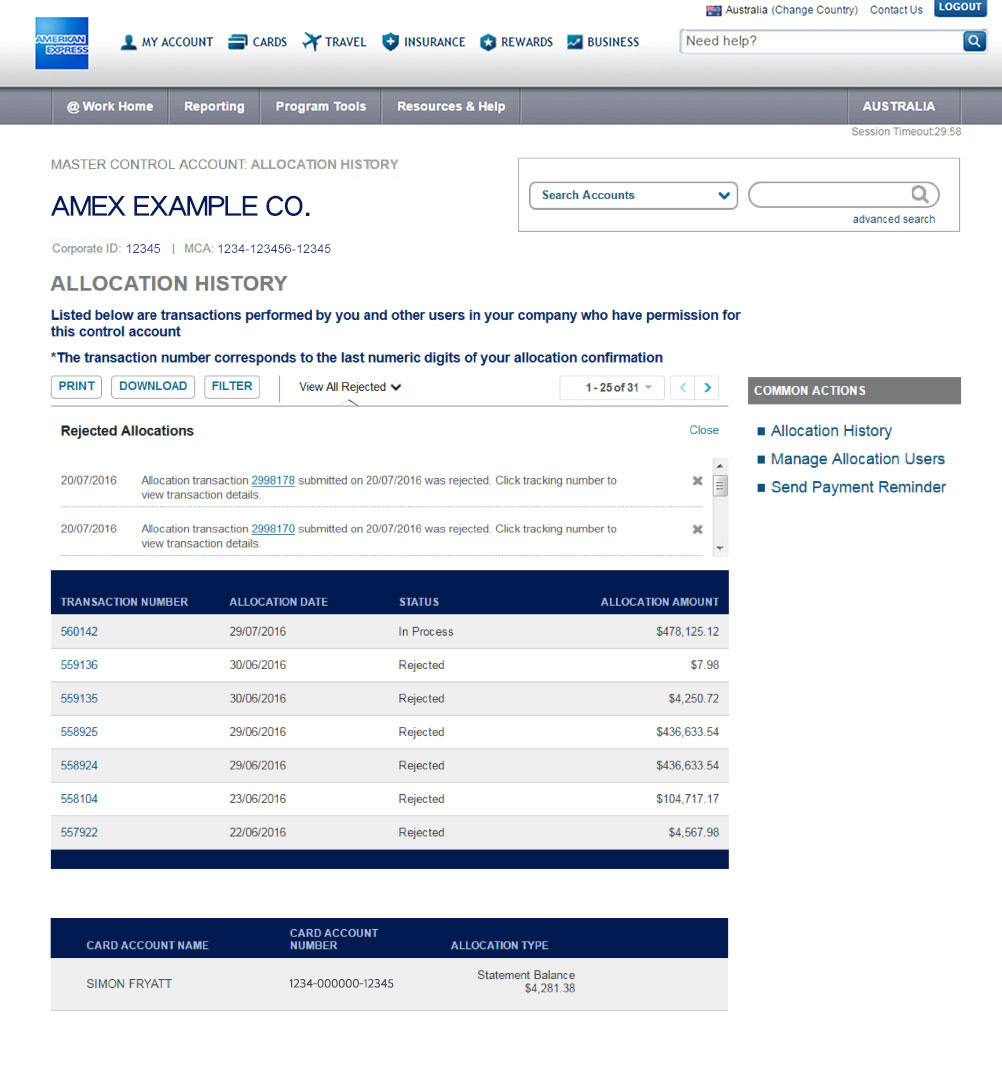
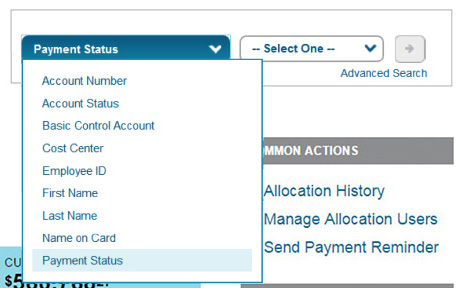
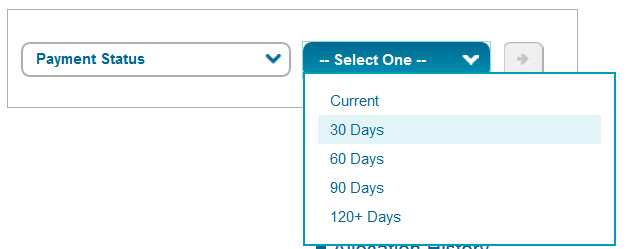
 Search: Select the filter criteria and get easy access to your results.